How to Use Your Phone as a TV Remote, Scanner, Level, and 20 More Tools
Stop wasting money on single-use gadgets. From a built-in level and document scanner to a decibel meter and emergency SOS beacon, here are 23 hidden tools already sitting in your pocket.

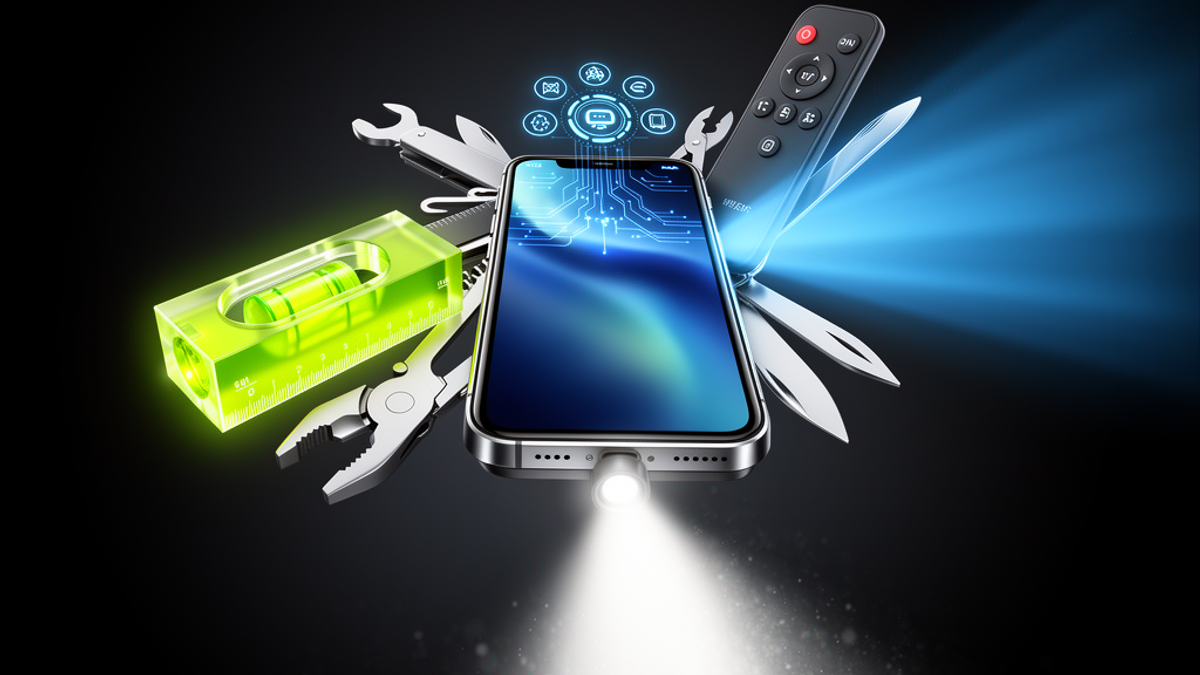
You probably dropped somewhere between $800 and $1,200 on the smartphone currently sitting in your pocket. Yet, if you're like most Americans, you likely use that incredibly powerful supercomputer for just three things: scrolling TikTok, ordering DoorDash, and ignoring texts from your dentist.
But your phone is actually a digital Swiss Army knife. Hidden inside its settings and default apps are dozens of practical tools that can save you serious cash. Why spend $100 on a flatbed scanner, $20 on a replacement Roku remote, or $50 on a white noise machine when you already own all of them?
As a sound wellness and frequency therapy platform, we at Onyx Sound Lab love a good life hack—especially when it helps you optimize your environment, protect your peace, and keep a few extra dollars in your wallet.
Here is how to unlock your phone's hidden potential and use it as a TV remote, document scanner, level, and 20 other everyday tools.
The Living Room Lifesavers
Let's start where we spend most of our downtime: the couch. If you're tired of tearing apart the sofa cushions looking for lost gadgets, your phone has you covered.
1. The Universal TV Remote
Lost the Apple TV or Roku remote again? Don't spend $20 to $30 on a replacement.
- On iPhone (Apple TV): Swipe down from the top right to open Control Center. Tap the remote icon. If it's not there, go to Settings > Control Center and add "Apple TV Remote."
- On Android (Google TV/Android TV): Open the Google TV app, tap "TV Remote" near the bottom right, and pair it with your TV.
- For Roku/Smart TVs: Download the official Roku app or your TV brand's app. As long as you're on the same Wi-Fi network, your phone instantly becomes a fully functional remote.
2. High-Tech Metal Detector
Dropped your wedding ring in the carpet or lost a screw while assembling IKEA furniture? Your phone has a built-in magnetometer. Download a free app like "Metal Detector" (available on iOS and Android). It uses the magnetic sensor inside your phone to detect metal objects nearby. It won't find pirate treasure at the beach, but it will find your keys in the couch.
3. White Noise Machine
At Onyx Sound Lab, we know the value of acoustic environments for sleep and focus. You don't need to buy a $50 sound machine from Target.
- On iPhone: Go to Settings > Accessibility > Audio & Visual > Background Sounds. Turn it on to play high-quality rain, ocean, or dark noise directly from your phone, even while other apps are running.
4. Smart Home Trackpad and Mouse
If you have a computer hooked up to your TV, navigating it from the couch is a pain. Download an app like Remote Mouse. It connects via Wi-Fi and turns your phone's touchscreen into a wireless trackpad and keyboard for your Mac or PC.
The Home Depot Replacements
Before you drive three miles to Home Depot or Lowe's to drop $40 on hand tools you'll use twice a year, check your phone.
5. The Bubble Level
Hanging a picture frame?
- On iPhone: Open the pre-installed "Measure" app and tap "Level" at the bottom. Hold your phone against the frame until the screen turns green at 0 degrees.
- On Android: Literally just open Google and search "bubble level." A working, interactive level will appear right in your search results.
6. Augmented Reality Tape Measure
Need to know if that Costco couch will fit in your living room?
- On iPhone: Open the Measure app. Point your camera at an object, tap the plus icon to set a starting point, and pan to the end point. It uses AR to give you an incredibly accurate measurement in feet and inches.
- On Android: Download Google's official "Measure" app for the exact same functionality.
7. Magnetic Stud Finder
Remember that magnetometer we used as a metal detector? It works as a stud finder, too. By downloading a free stud finder app, you can run your phone flat against the drywall. The sensor will pick up the metal nails or screws driven into the wooden studs beneath the paint. Boom—you just saved $25.
8. The Flashlight (With Adjustable Brightness)
You know your phone has a flashlight. But did you know you can change the brightness? On an iPhone, open the Control Center, press and hold the flashlight icon, and slide your finger up or down to adjust the intensity.
The Mobile Office Arsenal
Working remotely or managing household admin? Your phone can replace hundreds of dollars in office equipment.
9. High-Res Document Scanner
Stop taking terrible, shadowy photos of documents.
- On iPhone: Open the Apple Notes app, create a new note, tap the Camera icon, and select "Scan Documents." It automatically finds the edges, flattens the image, removes shadows, and saves it as a crisp PDF.
- On Android: Open the Google Drive app, tap the "+" icon, and select "Scan."
10. Document Signer
Someone emails you a PDF to sign. Don't print it. Take a screenshot of the document, tap the thumbnail that appears in the corner, tap the "+" icon, and select "Signature." You can draw your signature with your finger, place it on the line, and email it right back.
11. 4K Webcam
Laptop webcams are notoriously awful. If you want to look great on Zoom, use your phone.
- On Mac/iPhone: Thanks to a feature called Continuity Camera, if your iPhone is near your Mac, your computer will automatically recognize it as a wireless webcam.
- On Android/PC: Use a free app like Camo to get the same effect. You just saved $100 on an external Logitech webcam.
12. Text Extractor (Live Text)
Need to copy a Wi-Fi password off a router, or a tracking number off a receipt? Just point your camera at it. On modern iPhones and Androids (via Google Lens), you can tap the text inside the camera preview or in a saved photo, copy it, and paste it into a text message or browser.
13. Scientific Calculator
Need to do some complex math for your taxes? Open your phone's default calculator app and turn your phone sideways (landscape mode). It instantly expands into a full scientific calculator with sine, cosine, tangents, and square roots.
Health, Safety, and Sound Wellness
Your phone is a powerful tool for monitoring your environment and keeping you safe.
14. Decibel Meter (Sound Level Reader)
Hearing health is a core pillar of what we do at Onyx Sound Lab. If you're at a concert, a loud bar, or operating machinery, you need to know if the volume is damaging your ears.
- On Apple Watch/Health App: The Noise app automatically tracks ambient decibels and warns you if you hit 90+ dB.
- On Any Phone: Download the NIOSH Sound Level Meter app (developed by the CDC). It turns your phone's microphone into a highly accurate decibel reader.
15. Emergency SOS Beacon
If you are in danger, walking alone at night, or in a car crash, your phone can save your life.
- On iPhone: Press the side power button rapidly 5 times. This activates Emergency SOS, sounding a loud alarm, calling 911, and texting your exact location to your emergency contacts. (Newer iPhones also have Crash Detection and Satellite SOS if you're off the grid in the mountains).
- On Android: Press the power button 5 times to trigger a similar Emergency SOS feature.
16. Heart Rate Monitor
Don't have a smartwatch? Download the Google Fit app. It has a feature that allows you to place your fingertip over your phone's rear camera lens and flashlight. It tracks the subtle changes in color under your skin to accurately calculate your heart rate.
17. Medical ID
First responders are trained to check smartphones for medical info. Go to the Health app (iOS) or Safety app (Android) and fill out your Medical ID. Add your blood type, allergies, and emergency contacts. This can be accessed from your lock screen even if your phone is passcode-protected.
Everyday Superpowers
Here are a few more tools to make your daily American life just a little bit easier.
18. The Magnifying Glass
Trying to read the impossibly tiny print on a prescription bottle or a restaurant menu in a dimly lit steakhouse?
- On iPhone: Go to Settings > Control Center and add "Magnifier." It's a dedicated app that uses your camera to zoom in incredibly close, with built-in contrast filters and flashlight support.
19. Real-Time Language Translator
Traveling abroad or eating at an authentic foreign restaurant? Open the Google Translate app and tap the Camera icon. Point it at a menu or street sign, and it will instantly translate the text into English, overlaying the words right on your screen in real-time.
20. Barcode Scanner for Price Matching
Never overpay at Target or Best Buy again. Download the Walmart, Target, or Amazon apps. When you're standing in an aisle looking at a product, use the app's barcode scanner. It will instantly pull up the online price. Most major US retailers will price-match their own websites at the register if the online price is cheaper.
21. Live Flight Tracker
Picking up a friend from the airport? If they text you their flight number (e.g., "Delta DL1234") via iMessage, the text will be underlined. Tap it, and select "Preview Flight." You'll see a live map of their airplane, the altitude, and the exact estimated time of arrival at the gate.
22. Plant and Pet Identifier
Take a photo of a strange bug, a beautiful flower, or a cute dog at the park.
- On iPhone: Swipe up on the photo in your camera roll. If you see a little leaf or paw print icon on the "i" button, tap it. Apple's Visual Look Up will identify the exact species.
- On Android: Use Google Lens on any photo to get the exact same result.
23. Tip Calculator & Bill Splitter
At the end of a group dinner, the math can get messy. If you use Venmo or Zelle, you can use the built-in split features. But for a quick tip calculation on iOS, just swipe down to open the search bar (Spotlight) and type "$85 + 20%" — it will do the math instantly without you ever opening the calculator app.
The Actionable Takeaway
Your smartphone is vastly overpowered for the way most of us use it. By leaning into these built-in tools, you can declutter your junk drawer, save hundreds of dollars on single-use gadgets, and navigate life a little more smoothly.
Your move right now: Don't just read this and move on. Pick up your phone, open your Notes app (or Google Drive), and scan a random piece of paper or receipt sitting near you. Once you see how perfectly crisp and cropped that PDF turns out, you'll never look at a bulky flatbed scanner the same way again.

SunMaster USA
Editorial Team
The SunMaster USA team finds, tests, and shares the smartest lifehacks, money moves, and home improvement tips that make everyday life easier for American families.