Password Management: Stop Using the Same Password for Everything
Tired of using the same password for everything? Discover why password reuse is a massive security risk and learn how to set up a free password manager like Bitwarden in just 15 minutes. Secure your digital life and reclaim your peace of mind.

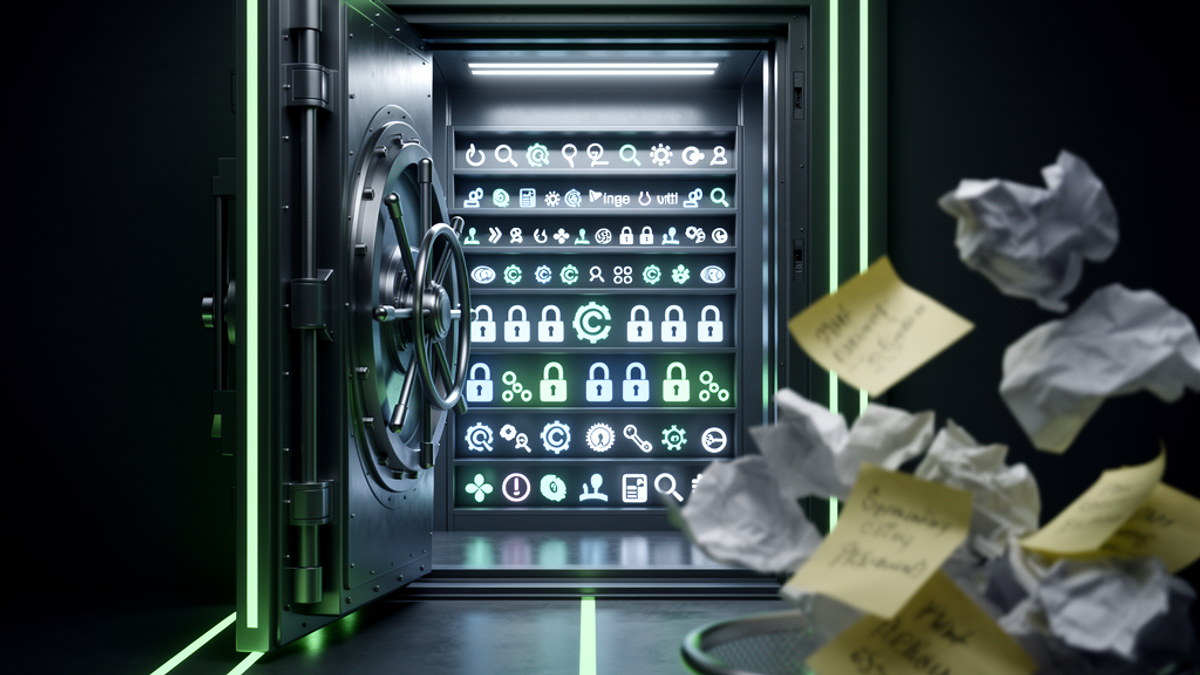
The Hidden Stress of Digital Clutter
Here at Onyx Sound Lab, we spend a lot of time talking about mental wellness, frequency therapy, and finding your center in a chaotic world. But let's be real for a second: it is incredibly hard to find your zen when you're constantly stressed about your personal data floating around the internet. Digital wellness is a massive, often-ignored component of our overall mental health. You can't fully relax into a deep sound bath if there's a nagging voice in the back of your head wondering if your bank account is secure.
Let's be honest. You're probably using the exact same variation of your childhood pet's name, your birth year, and an exclamation point for about 90% of your online life. Whether you're logging into your Venmo account to split a dinner tab, ordering late-night Pad Thai on DoorDash, or checking your Costco rewards balance, that one familiar password is doing a lot of heavy lifting.
It feels easier, right? Who actually has the brain space to remember 150 unique passwords when it's 100 degrees Fahrenheit outside, your AC is acting up, and you're just trying to quickly log into the Home Depot app to order a new filter?
But here is the hard truth: using the same password for everything is the digital equivalent of using the same physical key for your house, your car, your office, and your safe deposit box. If someone steals that one key, they have access to your entire life. Today, we're going to fix that. Grab your coffee, pull up a chair, and let's walk through how to secure your digital life in about 15 minutes.
The Domino Effect: Why Password Reuse is Dangerous
To understand why reusing passwords is so risky, we need to talk about how hackers actually operate today. Throw away the Hollywood image of a guy in a dark hoodie furiously typing at a glowing green screen, trying to guess your specific password. That's not how it works.
In reality, hackers rely on something called "credential stuffing." It is entirely automated, incredibly fast, and terrifyingly effective.
Here is how the domino effect plays out: Let's say five years ago, you created an account on a random online forum to read about gardening. You used your go-to password: `Buster2015!`. Fast forward to today. That gardening forum—which has terrible security—gets hacked. The hackers steal a massive database of email addresses and passwords, including yours.
They don't care about your gardening posts. Instead, they take that massive list and feed it into automated software. This software rapidly tests your email and `Buster2015!` combination across thousands of high-value websites.
Within seconds, they are trying it on Target, Walmart, your primary email account, and your bank. Because you reused that password, the software gets a "hit" on your DoorDash account. Suddenly, you're getting a notification for a $150 sushi order being delivered to an address 500 miles away. Or worse, they get into your primary email, reset your banking passwords, and authorize a $500 Zelle transfer to a stranger.
When one account falls, they all fall. That is the true danger of password reuse.
Enter the Password Manager: Your Digital Vault
So, what's the solution? You obviously can't memorize 150 random strings of gibberish like `xK9$mP2@vL4`.
This is where a password manager comes in. Think of a password manager as an ultra-secure, encrypted digital vault. Instead of memorizing dozens of passwords, you only ever have to remember one: your "Master Password."
When you log into an app or a website, the password manager automatically retrieves the correct, insanely complex password from your vault and fills it in for you. It does all the heavy lifting.
Here is why this is a game-changer for your digital wellness:
- Zero Memorization: You only remember ONE password (the Master Password to unlock the vault).
- Unhackable Passwords: The manager generates unique, 20-character passwords for every single site you use. If that random gardening forum gets hacked again, the hackers only get a useless string of characters that doesn't work anywhere else.
- Phishing Protection: Password managers won't auto-fill your credentials on fake websites. If you click a scam link that looks exactly like the Walmart login page, your password manager will realize the hidden URL is wrong and refuse to fill in your password, saving you from a scam.
Free vs. Paid Options: What's the Best Choice?
If you go looking for a password manager, you'll find a lot of options. Some are free, some cost money, and some are built right into your devices. Let's break down the landscape so you can make an informed choice without wasting your hard-earned dollars.
The Built-In Options (Apple Keychain & Google Chrome)
If you use an iPhone or Google Chrome, you've probably noticed they offer to save your passwords. These are incredibly convenient and absolutely better than reusing passwords. However, they have a major limitation: they trap you in their ecosystem.
If you save all your passwords in Apple's iCloud Keychain, it's a huge pain to log into a website on a Windows work computer. If you save them in Chrome, good luck accessing them easily inside various apps on your phone. You want a standalone manager that works everywhere, regardless of what device or browser you're using.
The Paid Heavyweights (1Password & Dashlane)
Managers like 1Password and Dashlane are fantastic. They have beautiful interfaces, excellent customer support, and great family-sharing plans. The catch? They usually cost between $35 and $60 a year. If you have the budget for it, 1Password is widely considered the gold standard for user experience. But why spend $40 a year if you don't have to?
The Champion of Free: Bitwarden
If you want top-tier security without spending a dime, Bitwarden is the answer. It is an open-source password manager, which means its code is constantly reviewed by security experts around the world.
Bitwarden's free tier is incredibly generous. Unlike some competitors that limit how many passwords you can save or restrict you to one device, Bitwarden lets you save unlimited passwords and sync them across your phone, tablet, and computer for exactly $0. It's practical, it's secure, and keeping that $40 a year in your pocket means you can treat yourself to a nice lunch instead.
The 15-Minute Setup Guide to Securing Your Life
Feeling overwhelmed? Don't be. You don't have to update all 200 of your accounts today. We are going to do this the smart, stress-free way. Set a timer for 15 minutes. Here is your step-by-step, highly actionable guide to taking back your digital security.
Step 1: Download Your Password Manager
Head over to Bitwarden.com (or your manager of choice) and create a free account. You'll want to install the app on your smartphone, and more importantly, install the browser extension on your computer (Chrome, Safari, Firefox, etc.). The browser extension is where the magic happens, as it's what auto-fills your passwords while you surf the web.
Step 2: Create a Bulletproof Master Password
This is the single most important step. Because this Master Password unlocks your entire vault, it needs to be incredibly strong, but also easy for you to remember.
Do not use a single word with a number (like `Sunshine1!`). Instead, use a passphrase. A passphrase is a string of 4 to 5 random words strung together.
For example: `Blue-Pickup-Truck-Coffee-Mug!`
To a computer, a 28-character passphrase like that would take trillions of years to crack. But to your human brain, it's just a funny visual that is very easy to memorize. Write this Master Password down on a physical piece of paper and hide it in a safe place in your house. If you forget it, Bitwarden cannot reset it for you.
Step 3: Secure Your "Big Five" Accounts
Do not try to change every password you own today. You will burn out and give up. Instead, we are only going to secure your "Big Five" right now. These are the accounts that, if hacked, would ruin your week:
- Your Primary Email (Gmail, Outlook, Yahoo) - This is the master key to your digital life. If someone has your email, they can hit "Forgot Password" on any other account.
- Your Bank/Financial Accounts (Chase, Bank of America, Vanguard)
- Your Money Transfer Apps (Venmo, PayPal, Zelle)
- Your Primary Shopping Account (Amazon, Target, Walmart - anywhere your credit card is saved)
- Your Main Social Media (Facebook, Instagram - to prevent identity theft and scams directed at your friends)
Step 4: The Swap
For each of those five accounts, log in using your old, reused password. Go to the account settings and find "Change Password."
When it asks for your new password, click the little Bitwarden icon in your browser. Tell it to "Generate Password." It will spit out a crazy string like `p#9Kz!2vLqX7$mBw5@nR`. Copy that, paste it into the website, and hit save. Bitwarden will automatically ask, "Do you want to update this login in your vault?" Click yes.
Boom. You're done. That account is now locked down like Fort Knox.
Step 5: The Slow Roll
What about your other 145 accounts? Just let them happen naturally. Over the next few weeks, whenever you log into a website—whether it's to order DoorDash or check a forum—Bitwarden will offer to save your current password.
Once it's saved, take 30 seconds to go to that site's settings, generate a new random password with Bitwarden, and save the update. Within a month or two, you will have organically updated almost all of your accounts to secure, unique passwords without ever dedicating a whole weekend to the task.
The Actionable Takeaway
Peace of mind is an essential part of overall wellness. You cannot achieve true relaxation if you are leaving the digital front door to your life wide open.
Your action step for today: Stop reading, go to Bitwarden.com, create your free account, and come up with a 4-word Master Passphrase. Take just 15 minutes right now to change the password on your primary email account to a randomly generated one.
By taking this one small, practical step today, you are protecting your finances, your identity, and your mental bandwidth. Let the software do the remembering for you, so you can get back to focusing on the things in life that actually matter.

SunMaster USA
Editorial Team
The SunMaster USA team finds, tests, and shares the smartest lifehacks, money moves, and home improvement tips that make everyday life easier for American families.