The Ultimate Weekend Digital Declutter: Clean Up Your Tech and Reclaim Your Mind
Feeling overwhelmed by unread emails, chaotic desktops, and endless notifications? Reclaim your peace of mind with this step-by-step weekend digital declutter plan to clean up your phone, inbox, and computer.

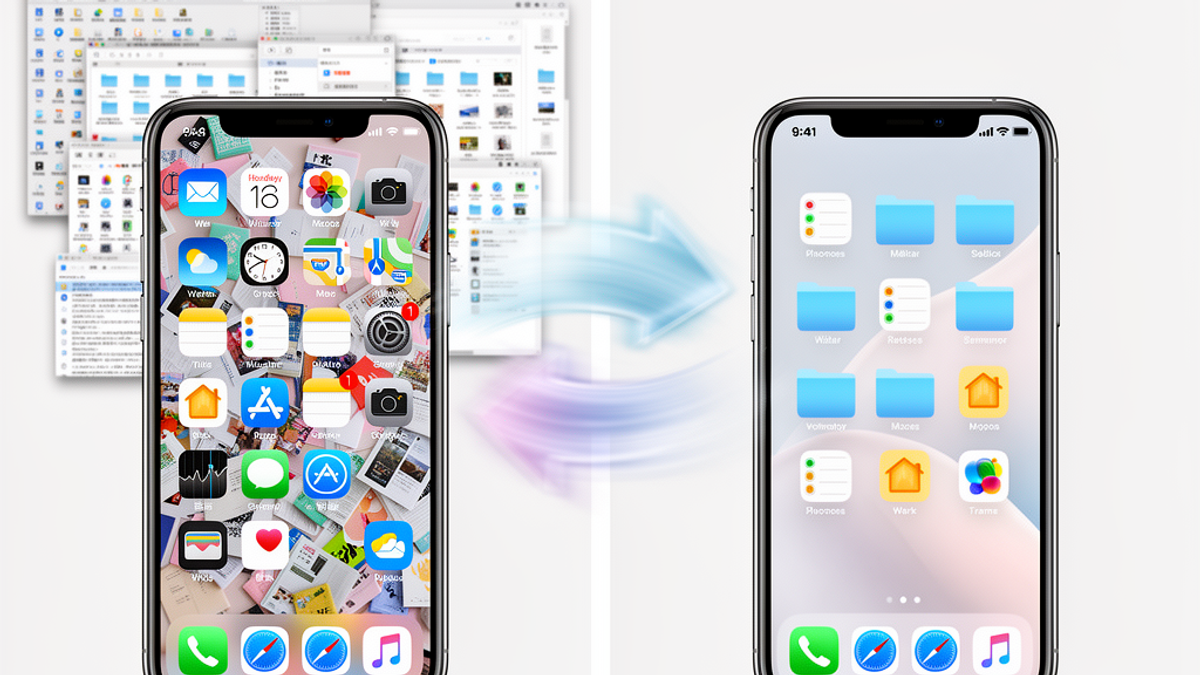
Let's be honest: your digital life is probably a little bit of a mess right now. If your phone's weekly screen time report makes you wince, your email icon has a terrifying red bubble with a five-digit number, and your computer desktop looks like a digital Walmart on Black Friday, you are definitely not alone.
Here at Onyx Sound Lab, we spend a lot of time talking about how to clear your mind using sound wellness and frequency therapy. We help you tune out the noise. But let's face facts—it is incredibly hard to find your zen when your phone is constantly buzzing with DoorDash notifications and your inbox is screaming at you about a clearance sale at Home Depot. Mental clutter and digital clutter are deeply connected. When your digital environment is chaotic, your brain feels chaotic, too.
Think about it like your physical house. You wouldn't leave piles of junk mail on your kitchen counter for three years, so why are you doing it in your Gmail?
This weekend, we're going to fix it. Grab a cup of coffee, put on some focus frequencies, and let's dive into the ultimate weekend digital declutter plan. By Sunday night, your devices will be sleek, silent, and streamlined.
Friday Evening: The Great Phone Purge
Your smartphone is the device closest to you, which means it's the biggest source of digital anxiety. We're going to start the weekend by putting your phone on a diet.
1. Ruthlessly Delete Unused Apps
Scroll through your phone right now. How many apps have you not opened in the last three months? If you're keeping three different food delivery apps "just in case," it's time to let them go. Delete DoorDash and UberEats. Not only will this clean up your home screen, but if it stops you from ordering overpriced cold fries just once a week, you'll easily save $40 a week—that's over $2,000 a year back in your pocket! Keep the essentials you actually use to manage your life, like Venmo or Zelle, but ditch the random games, old travel apps, and retail apps you downloaded once to get a 10% discount.
2. Audit Your Subscriptions
While you're deleting apps, check your active subscriptions. On an iPhone, go to Settings > [Your Name] > Subscriptions. On Android, open Google Play > Profile > Payments & subscriptions.
Look for the vampires draining your bank account. Did you sign up for a $14.99/month premium photo editing app and forget about it? Cancel it right now. Finding and canceling just two unused $10/month subscriptions saves you $240 a year.
3. The Notification Lockdown
Every time your phone buzzes, it hijacks your attention. Go into your notification settings and turn off alerts for everything except phone calls, text messages, and calendar events. You do not need a breaking news alert that a celebrity wore a weird hat, and you certainly don't need a push notification from Target telling you to buy more throw pillows.
Saturday Morning: Inbox Zero (Or Close Enough)
Saturday morning is for tackling the beast: your email inbox. If you have 14,000 unread emails, don't panic. We aren't going to read them. We are going to strategically nuke them.
1. The Unsubscribe Rampage
First, stop the bleeding. Search your inbox for the word "unsubscribe." This will bring up almost every marketing email you receive. Spend 20 minutes opening these emails and clicking the unsubscribe link at the bottom.
Be ruthless. Do you really need the Costco newsletter? You already know you're going to buy bulk toilet paper and a rotisserie chicken next time you go; you don't need an email about it. You definitely don't need an email from a clothing store telling you about a sale on winter coats when it's 85 degrees Fahrenheit outside. Unsubscribe.
2. The Batch Delete
Now that you've stopped new junk from coming in, let's clear out the old junk. Use the search bar to find emails by sender. Search for "Target," select all, and hit delete. Search for "Twitter" or "Facebook" and delete all notification emails.
If your inbox is truly beyond saving (we're talking 50,000+ unread emails), use the nuclear option: select all emails older than 30 days, mark them as read, and archive them. If it was important, they would have followed up.
3. Set Up the "Three Folder" System
To keep your inbox clean going forward, create three simple folders (or labels):
- Action Required: Emails you actually need to reply to or handle.
- Waiting On: Emails where you've replied and are waiting for a response.
- Receipts/Records: For digital receipts, plane tickets, and tax documents.
Everything else either gets deleted or archived immediately.
Saturday Afternoon: Taming the Photo Chaos
By Saturday afternoon, your phone and email are breathing easier. Now it's time to tackle the photo gallery. If you're like most Americans, you have 25,000 photos on your phone, and 10,000 of them are screenshots of memes or blurry pictures of your dog.
1. Destroy the Duplicates
Both Apple and Google Photos now have built-in "Duplicate" finders. On an iPhone, open the Photos app, go to Albums, scroll down to Utilities, and tap "Duplicates." You can merge them all with one tap. This alone might free up gigabytes of space.
2. The Screenshot Purge
Search your photo album for "Screenshots." You will likely find hundreds of screenshots of recipes you never cooked, funny texts from 2019, and parking spot numbers from the airport. Delete them all. If you actually need a recipe, save it to a notes app.
3. The "Favorite" Filter
Instead of trying to organize every single photo into a specific album, just use the "Favorite" (heart) button. When you take a batch of 15 photos to get one good group shot, immediately favorite the best one and delete the other 14.
By cleaning up your photos, you might even be able to downgrade your cloud storage plan. Dropping from a $9.99/month 2TB plan to a $2.99/month 200GB plan saves you $84 a year.
Sunday Morning: The Computer Cleanse
Sunday morning is dedicated to your laptop or desktop computer. This is your digital workspace, and a messy workspace kills productivity.
1. Clear the Desktop Disaster Zone
If your computer desktop is completely covered in files, folders, and random screenshots, you're draining your computer's memory and your own mental energy.
Create one folder on your desktop called "To Sort." Drag absolutely everything on your desktop into this folder. Ahh. Look at that beautiful, clean wallpaper. Now, you can go into the "To Sort" folder and gradually file things away, but your immediate visual field is clear.
2. Empty the Downloads Graveyard
Open your "Downloads" folder. It is likely filled with PDF menus, old tax forms, software installers, and random images. Sort the folder by "Date Added." Delete everything older than six months. For the recent items, move the important ones to your Documents folder and trash the rest.
3. Establish a Basic Folder Structure
Keep your Documents folder simple. You don't need a complex filing cabinet. Create four broad folders:
- 01_Work: Resumes, projects, portfolios.
- 02_Personal: Health records, hobbies, vehicle info.
- 03_Financial: Tax returns, bank statements (always password protect this folder or the files within it).
- 04_Creative: Photos, writing, music, side hustles.
Drag your files from the "To Sort" folder into these four main categories.
Sunday Afternoon: Set Up Systems for Good
You've done the hard work. Your phone is light, your inbox is manageable, your photos are curated, and your computer is organized. The final step of the weekend is setting up automatic systems so you never have to do a massive purge like this again.
1. Automate Your Backups
Don't rely on yourself to remember to back up your computer. Set up an automatic cloud backup service like Google Drive, iCloud, or Dropbox. Ensure it's set to sync your Documents and Desktop folders automatically. If your laptop suddenly dies tomorrow, you shouldn't lose a single ounce of sleep over your files.
2. Create Email Rules
Most email providers allow you to set up "Rules" or "Filters." Set up a rule that says: If an email contains the word "unsubscribe," automatically skip the inbox and go to a folder called "Newsletters." This keeps your main inbox strictly for communication with actual human beings, while letting you browse promotional emails on your own time.
3. The Friday 15-Minute Sweep
To maintain your newfound digital zen, schedule a recurring 15-minute appointment on your calendar every Friday afternoon. Use this time to:
- Clear your computer downloads folder.
- Process your "Action Required" email folder.
- Delete the random screenshots you took during the week.
The Sound of Silence
Just like the therapeutic frequencies we use at Onyx Sound Lab to align your body and mind, a clean digital environment aligns your daily focus. When you aren't constantly bombarded by visual clutter and notification sounds, you have more mental bandwidth to be present, creative, and relaxed.
Actionable Takeaway: You don't have to wait for the weekend to start. Right now, pick up your phone, set a timer for 5 minutes, and delete every single app you haven't used since last year. It's the first step to reclaiming your digital peace—and it costs absolutely nothing.

SunMaster USA
Editorial Team
The SunMaster USA team finds, tests, and shares the smartest lifehacks, money moves, and home improvement tips that make everyday life easier for American families.